How I Save Hours Each Week Using AI for Summarization
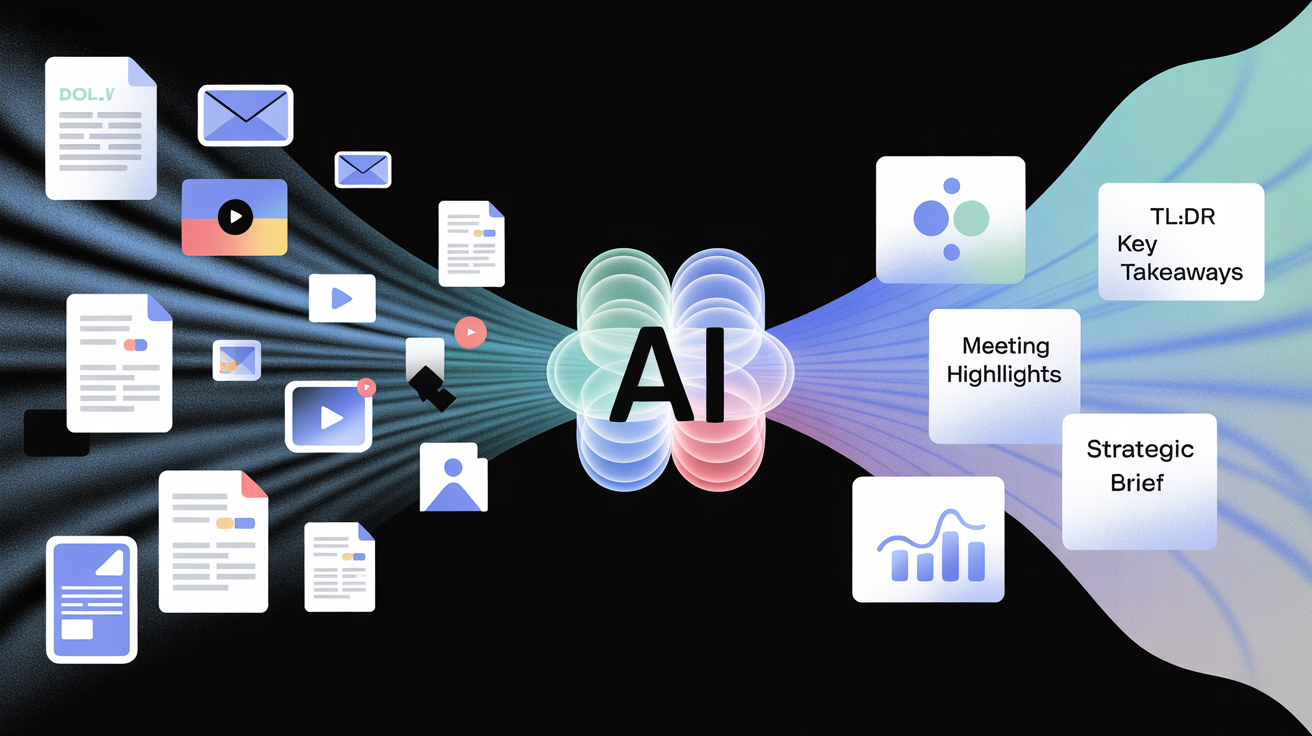
Information isn’t the problem. Overload is.
Since ChatGPT was introduced in 2022, I’ve continued to explore how to use generative AI not just as a novelty—but as a set of strategic tools for efficiency. Over time, I've integrated AI into my daily routines to streamline my work and accelerate my learning. Summarization, in particular, has become one of the most practical and powerful applications.
Summarization isn’t just about speed — it’s about mental liberation. It reduces noise, clarifies complexity, and gives us back the bandwidth to focus on what matters most: strategy, people, and purpose.
One of the most important — and now proven — promises of AI is this: it can take care of the mundane so we can invest more in what truly matters. Less time scanning emails and documents. More time making thoughtful decisions. Less effort wrangling information. More energy spent building relationships, mentoring, and leading.
For me, this stack isn’t just for work — it’s also for learning and lifelong growth. Whether I’m preparing for a keynote, staying current on AI trends, exploring leadership, or mentoring others, these tools help me absorb more with less friction.
Over the last three years, I’ve built a personal AI Summarization & Visualization Stack. These are the tools I use across formats and workflows — from documents and web pages to videos and meetings — to stay informed, think faster, learn deeper, and lead smarter.
This isn’t theoretical. It’s tactical, tested, and transformative.
1. YouTube Summarization
Tool: Summarify.app
Use it for:
Summarizing long-form videos like lectures, interviews, webinars, and keynotes
Previewing content before committing time
Summary formats offered:
Lecture Notes: Structured academic-style outlines
Long Format: Deep summaries capturing key themes
Short Format: Quick TL;DR versions for fast scans
Choose summary depth based on your needHelpful for professional learning, AI talks, and academic content
2. Google Gemini for Email & Docs (Enterprise Use)
Use cases:
Summarizing long email threads into key decisions and next steps
Generating TL;DRs from Google Docs like planning drafts or meeting notes
Embedded directly in Gmail and DocsSpeeds up executive reviews and team collaboration
Privacy assurance:Used within our Google Workspace enterprise contract, enabling secure summarization of sensitive or regulated content.Avoid public Gemini for confidential institutional materials.
3. PDF & Document Summarization
Tools:
ChatGPT (with file upload)
Google Gemini (Google Docs/Drive)
Grok (PDF + contextual Q&A)
Use it for:
Research papers, strategic plans, reports, grant proposals
Extracting summaries, themes, and key decisions
Choose the right tool based on depth, interactivity, and privacy requirements
4. Mindmap Summarization
Tool: Mapify.so
Use it for:
Structuring ideas and systems from text-based summaries
Visualizing strategies, frameworks, or concept maps
Ideal for planners, educators, and visual learnersGreat for keynotes, design thinking, and strategic storytelling
5. NotebookLM
Tool: NotebookLM
Use it for:
Uploading your own materials and generating grounded summaries
Synthesizing content across documents, transcripts, and notes
Exploring relationships between your notes, research, and outlines
Summarizing podcast transcripts or audio content you've converted to text
Whether it’s a whitepaper, a student success policy, or an AI podcast you transcribed, NotebookLM becomes a context-aware research assistant trained on your personal knowledge base.
A second brain trained on your content
Perfect for writers, researchers, educators—and learners who want to ground insights from books, blogs, briefings, and broadcasts
6. Meeting Summarizers
Tools:
Use it for:
Transcribing and summarizing meetings in real time
Capturing speaker highlights, action items, and decisions
Focus on the conversation, not on taking notesGreat for leadership check-ins, 1:1s, team syncs, and retreats
7. Web Page Summarization
Tools:
Use it for:
News articles, research blogs, policy documents, and technical writeups
Extracting arguments, claims, citations, and TL;DRs
Navigate the internet with less cognitive strainUseful for staying current in fast-moving domains
8. Text-to-Visual Summarization
Tools:
Use it for:
Turning raw summaries into visual presentations, idea maps, or explainer decks
Translating written content into engaging, shareable formats
From notes to narratives to visuals in minutesIdeal for briefings, storytelling, and communicating complex ideas
Why This Stack Matters
Saves hundreds of hours per year across email, video, research, and meetings
Enhances comprehension and retention of dense materials
Improves decision speed with ready-to-use insights
Supports continuous learning and personal mastery
Frees you to focus on strategy, relationships, and leadership
Sharing & Attribution
Created by Joe Sabado
Licensed under Creative Commons Attribution-NonCommercial-ShareAlike 4.0 International (CC BY-NC-SA 4.0)
You are free to share and adapt this work for non-commercial purposes, as long as you credit the original creator and share your adaptations under the same license.